Cross-Progression FAQ
Brawlhalla has Cross-Progression! This feature cements Brawlhalla as one of the easiest to access games in the world. No matter what platform you’re playing on, you’ll have all of your Brawlhalla accounts’ progress and Inventories at your fingertips.
Complete Cross-Inventory on all platforms was one of the final puzzle pieces that has made Cross Progression possible. We’re thrilled to bring this feature to you, our community, who deserves it more than anyone else.
You may have some questions about Cross-Progression. We’ve got you covered.
What is Cross-Progression?
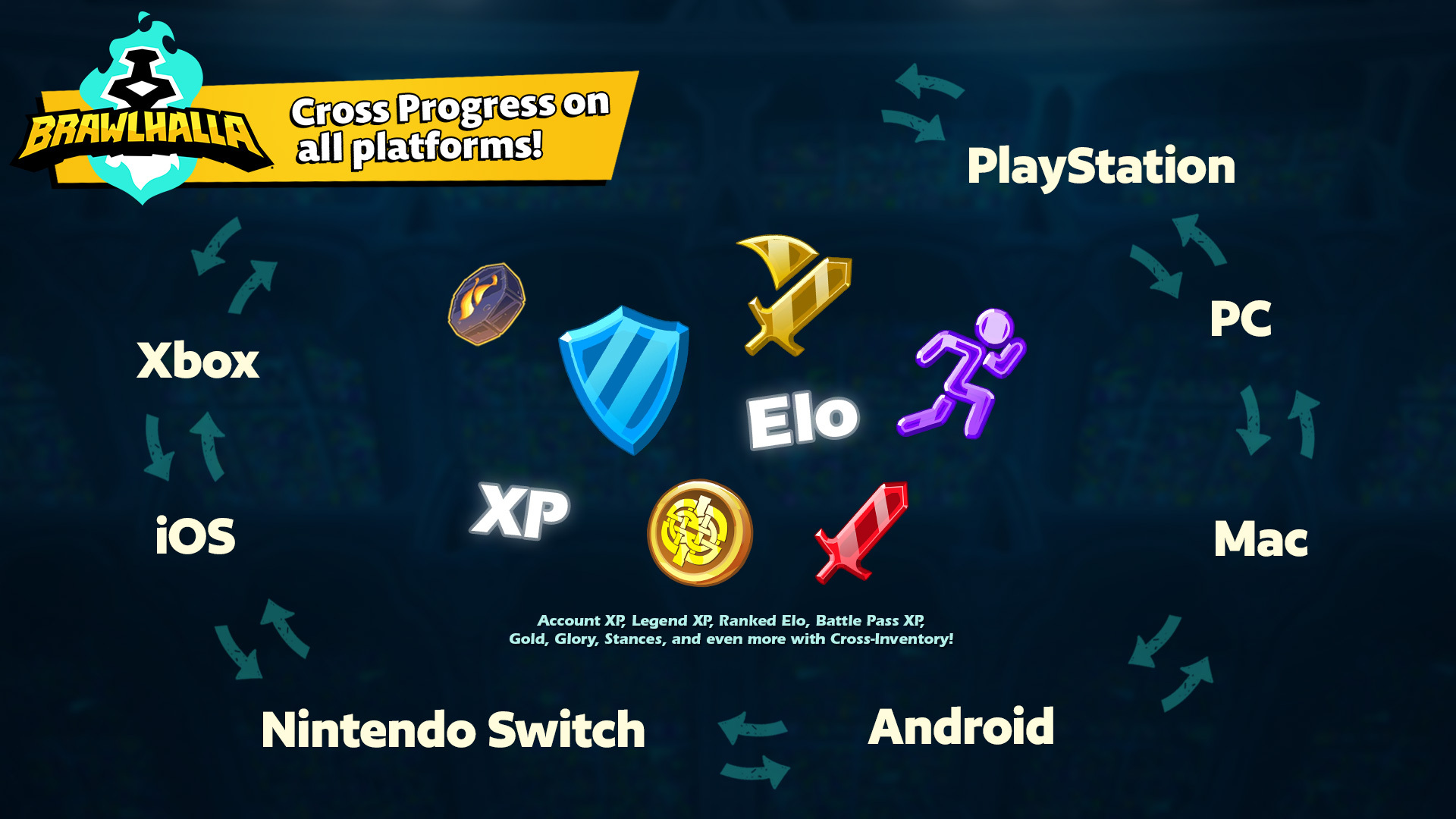
Cross-Progression allows you to gain Account XP, Legend XP, Ranked Elo, Battle Pass Missions, Gold, Glory, and Stances on an account from a different platform than the one you are playing on.
For example: you’re playing ranked on your Xbox and are 2-3 games away from Diamond, but have to go on a road trip… you can hop into Brawlhalla on your phone and keep grinding your Xbox Elo!
FAQ:
I don’t have any secondary accounts. Do I need to link my Brawlhalla account to a Ubisoft account?
No. If you do not wish to utilize account linking, you don’t have to consider any of this! Everything will work as it always has for you.
What will my name be displayed as when I’ve selected an active linked account?
Your identity in-game will be based on the current platform account you are using.
What about my Guild and friends list?
Your Guild and friends list are related to your player identity, which is linked to your current platform account. For example, if you are playing on Steam, your friends list will reflect your Steam friends list regardless of what you have set as your active linked account.
Do I lose any Items when linking accounts?
No. Items don’t get transferred or deleted. The inventories get combined and all owned Items are available to select from between your current platform account and active linked account. If you unlink your account or switch to a different active linked account, the Items from that account are no longer shared. You still own them on your other account and can see them again when you re-link and set the account as the active linked account.
Can I share the inventory of one account while progressing on a different account?
Yes. You can choose between your platform account or your active linked account to earn progression on while still sharing the inventory from the active linked account.
What happens when I purchase Items with Mammoth Coins while I have an active linked account?
Mammoth Coin purchases go to the current platform account inventory. You can not purchase Items for one platform from a different platform.
Can my active linked account be played on at the same time on different platforms?
No. You will be automatically signed out of Brawlhalla on linked accounts.
Can I link my alternate Steam account in addition to my main?
Only one account from each platform can be linked to your Ubisoft account.
I want to connect a different account for a platform I already have connected to my Ubisoft account. What can I do?
You can unlink your accounts at any time. However, you will only be able to re-link the same account you had originally connected to your Ubisoft account. When you unlink an account, your platform username will remain visible in the Linked Accounts section of the Account Information page.
To link a different platform account to your Ubisoft account, please contact Ubisoft Support.
Is there a time limit for keeping an account active and linked?
On all platforms, account links for eligible accounts won’t expire. If the account is not considered eligible, the 30 day login requirement will be in effect. This eligibility is set on a platform by platform basis.
Can a banned account be linked?
No.